How to automate rate confirmations into your TMS
Stop retyping broker rate cons into your TMS: fields to extract, checks to run, where people stay in the loop, and how to invoice the day it delivers.
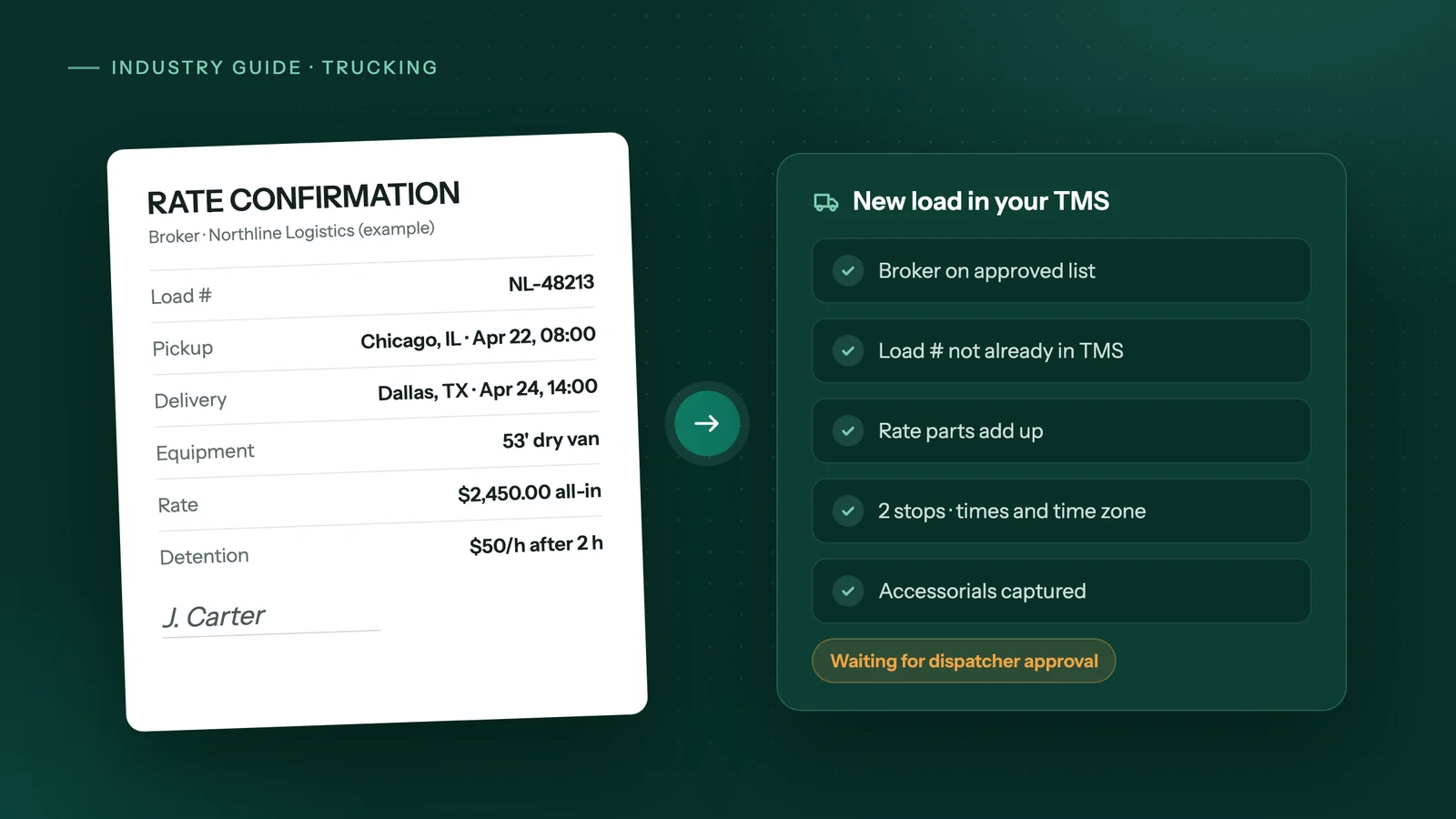
The short answer
To automate rate confirmations, have an agent read each rate con that arrives by email, extract the broker, load number, rate, accessorials, stops and appointment times, run fixed checks on them, and create the load in your TMS. Start with one broker, approve every load at first, and keep people on rate disputes, detention and mismatches.
Key takeaways
- A rate confirmation is the broker's written agreement for one load, and its load number, rate and accessorials drive everything you invoice later.
- Every broker lays out its rate cons differently, so fixed templates break; reading the page with AI and then running strict field checks holds up better.
- Start with your highest-volume broker and approve each drafted load before it is created in the TMS until the drafts are consistently right.
- Factoring company Bobtail says a missing signed bill of lading or a mismatched rate confirmation is the most common reason funding gets held up.
- Automation is rarely worth it for a handful of loads a week, or when your main broker already tenders loads to you by EDI or API.
What is a rate confirmation, and which fields matter?
A rate confirmation, or rate con, is the broker's written agreement for one load: who pays, how much, and where and when the freight moves. FreightWaves puts it bluntly: "It's the contract." TrueNorth adds that carriers may face payment denial if the rate con is left unsigned.
It is not the bill of lading (BOL). The BOL travels with the freight and, in TrueNorth's words, "serves as a receipt of goods between the shipper and the receiver." The proof of delivery (POD) is a photo of the completed, signed BOL. You need all three to bill a load.
Extract what your TMS needs to create the load and what your invoice must repeat exactly, and check it before anything is saved:
| Field to extract | Why it matters | Check before the load is created |
|---|---|---|
| Broker name and MC number | Who owes you the money | Matches your approved broker list; a new broker goes to a person |
| Broker load or reference number | Brokers match your invoice to it | Present, and not already in your TMS (no duplicate loads) |
| Carrier name | Must be your company | Your legal name, as it appears on your authority |
| Total rate, linehaul, fuel surcharge | What you will invoice | Parts add up to the total; matches what dispatch agreed |
| Accessorials (detention, layover, TONU, lumper, extra stops) | Extra pay you may claim later | Each one captured with its rate and conditions; "all-in" wording flagged |
| Pickup and delivery stops | Lane, mileage and driver instructions | Every address matches a known location; stop count matches |
| Appointment or first-come, first-served windows | Driver planning and detention claims | Dates make sense; time zone stated |
| Equipment, commodity, weight | Right truck on the right load | Matches the equipment you booked |
| Payment terms and invoicing instructions | When and how you get paid | Quick pay or factoring terms recorded on the load |
FreightWaves' checklist backs several of these: the broker name and MC number should "match who's paying you," and "Brokers sometimes list delivery in EST when the shipper's in CST." It also warns that an "All-In Rate" covers everything, detention included.
Why do rate con templates keep breaking?
Because every broker builds its own rate con, so there is no shared layout to template. Sensible, which sells document extraction software, says it directly: "Every broker and carrier generates rate confirmations with different field placement, terminology, and structure."
A template that reads "the number in the top-right box" works for one broker until that broker changes its software. Then it reads the wrong box and nobody notices until an invoice bounces. Common trouble spots:
- The same field goes by different names: one broker may print "Load #", another "Order" or "Reference", and some show two numbers.
- Multi-stop loads spill the stop table onto a second page.
- Accessorials sit in the fine print instead of the rate table.
- A revised rate con arrives with the same load number and a different rate.
This is where AI reading earns its place. A model that reads the page the way a dispatcher does can find the rate wherever it sits. But what it reads should feed fixed checks like the ones in the table above, never go straight into the TMS unchecked. Our comparison of AI agents, Zapier and RPA covers which tool fits this kind of work.
What does the flow look like from rate con to factoring?
It is five hand-offs, and a load can stall at any of them:
- The rate con arrives, usually by email, and is signed and returned.
- The load is created in your TMS with the broker's load number, stops, rate and accessorials.
- The driver delivers and the signed BOL comes back as a POD. TrueNorth notes most brokers want a single PDF that shows all four corners of each page, and that the receiver should note in and out times on the BOL if you plan to claim detention.
- The invoice is built with the exact load number and rate from the rate con, with the POD and any accessorial receipts attached.
- The invoice goes to the broker or your factoring company. Bobtail lists the paperwork a factor typically needs: the invoice, the rate confirmation from the broker, and the signed bill of lading.
Why getting invoices out faster matters for cash flow
Broker payment terms can run from when your paperwork arrives, not from delivery. FreightWaves quotes a typical clause: "Carrier will be paid within 30 days of receipt of invoice and signed BOL." Every day the invoice sits in a folder is a day added to that wait.
If you factor, Bobtail says funding is "often the same day or within 24 hours of submitting clean paperwork," while the full cycle until the broker pays the factor still takes 30 to 60 days. The key word is clean. Bobtail adds: "Missing a signed bill of lading or a mismatched rate confirmation is the most common reason funding gets held up." The goal is an invoice package that matches the rate con on the first try, sent the day the load delivers.
How do you automate rate confirmations into your TMS safely?
Start with one broker, prove the drafts are right, then widen. A workable order:
- Pick one broker. Choose the one that sends you the most rate cons. Pull a few weeks of their past rate cons along with the loads your dispatcher created from them; this is your test set.
- Write down the rules. Which fields are required, how your TMS names that customer and its locations, what counts as a match, and what happens with a broker you have never hauled for.
- Run in draft mode first. The agent reads each new rate con and fills in the load, but a dispatcher approves it before it is saved. Compare every draft with what the dispatcher would have typed.
- Turn the table above into hard stops. A duplicate load number, a total that doesn't add up, a missing stop or an unknown broker should stop the run and ask a person, not trigger a guess.
- Let it create loads directly for that broker once the drafts are consistently right, and keep approval for anything that fails a check.
- Add the next broker, then POD collection and matching, then invoice batches and factoring uploads, one step at a time.
- Review the run log weekly. Look at which loads stopped and why, and change a rule only when the same exception keeps coming back.
Handling email inboxes and load boards
Give rate cons one home: a dedicated address, or a mail rule that files them in their own folder. The agent then reads only what it should, and nothing gets lost in a busy dispatch inbox.
Load boards feed the same inbox. DAT's help page for its Book Now feature lists "Receive your rate confirmation by email" as the last step of booking. Whether a load came from Loadlink, DAT or a broker you called directly, build the TMS load from the signed rate con, not the posting. As FreightWaves says, "If it's not on paper, it doesn't exist."
Some brokers send a link instead of a PDF. Alvys' help docs, for example, describe brokers emailing a secure link the carrier uses to view and sign. An agent can open the link and read the terms, but the signature should wait for a person.
Where should a person stay in the loop?
Anywhere money is negotiated or the documents disagree. Automation copies and checks; people make the calls:
- Rate disputes and revised rate cons. If the rate con doesn't match what dispatch agreed on the phone, a person calls the broker. FreightWaves' advice holds: if they say they'll add it later, "tell them to send a revised rate con before you sign."
- Detention, layover and TONU. The agent can flag that the in and out times on the BOL run past the free time on the rate con; a person decides whether to bill it and gathers the proof.
- Mismatches. The POD shows a different load number, weight or consignee, or the invoice total differs from the rate con.
- New or unusual brokers. The FMCSA tells carriers to confirm broker phone numbers in SAFER and call the posted number if it differs from the one they were given, and warns that "Even insurance certificates can be fraudulent." An agent can flag an MC number it hasn't seen before; vetting the broker is a person's job.
Signing rate cons and submitting invoice or factoring batches should also wait for a person's approval.
When is automating rate cons not worth it?
When the volume is small, or the data already reaches you in a clean, structured form:
- A handful of loads a week. If typing loads takes your dispatcher a few minutes a day, setup will take a long time to pay back. An inbox folder and a checklist may be enough. Our breakdown of AI automation cost versus hiring shows how to run the numbers.
- One main customer that already tenders electronically. The X12 204 load tender is used by shippers to tender an offer for a shipment to a full truckload motor carrier. If most of your freight arrives that way, or through a broker's API, connect that feed to your TMS instead of reading PDFs.
- Messy TMS records. If customers and locations are full of duplicates, an agent will add to the mess faster. Clean the master data first.
- No agreed process. If each dispatcher enters loads differently, agree on one way first. Automation copies a process; it doesn't settle arguments about it.
How does Adaptiwise AI handle rate confirmations?
Adaptiwise AI builds and runs the agent for you. In our trucking workflow, it reads each rate confirmation and creates the load in your TMS, collects PODs, attaches them to the load and sends the invoice, pulls fuel card and toll statements and codes them by unit, and flags any load missing paperwork before billing day. The aim is simple: invoiced the day it delivers.
It works in your TMS, such as TruckMate or Axon, the way your dispatcher does, through the same screens, and uses a direct integration such as Google Sheets where a reliable one exists. The steps are fixed; AI is used to read rate cons whose layout changes, and the agent stops and asks instead of guessing. Submissions and unfamiliar screens wait for a person, and two-step verification pauses the run for your team.
Every run is logged, and a failed run alerts an Adaptiwise AI operator, and the fix is proven on a replay before the workflow is trusted again. You can run it on your own computer, hybrid or hosted in Canada. See how a project runs, or book a free 30-minute assessment for a written plan with the price, flexible payment options and the expected saving.
Frequently asked questions
Can AI read scanned or photographed rate confirmations?
Usually, if the scan is legible. Typed PDFs and clear scans read well, but faint, skewed or partly handwritten pages are where errors creep in. A safe setup checks every key field against expected formats, such as a rate with two decimals and a valid date, and sends anything unclear to a dispatcher instead of guessing.
What should happen when a broker sends a revised rate confirmation?
Treat it as an update to an existing load, not a new one. The agent should find the load by the broker's load number, compare the rate, stops and accessorials with what is already in the TMS, and stop for a person whenever anything changed. Keep both versions attached so the invoice can be checked against the latest signed copy.
Does my TMS need an API to automate rate confirmation entry?
No. An agent can enter loads through the same screens your dispatcher uses, filling in the same fields in the same order. If your TMS offers a reliable import or API, that route is faster and should be used where it exists, but its absence does not stop the work from being automated.
Will automating rate cons replace my dispatcher?
It replaces the typing, not the decisions. Dispatchers still negotiate rates, plan drivers, handle detention and TONU claims, and decide what to do when documents disagree. What changes is that they review drafted loads and flagged exceptions instead of copying every field from a PDF, which frees time for the calls that actually earn money.
Is it safe to give an automation agent my TMS and factoring portal logins?
It depends on how logins are handled. Look for logins stored as references, used only at the step that needs them, and hidden from every log. If a portal asks for two-step verification, the run should pause and ask someone on your team. Running the agent on your own computer keeps those logins in your office; Adaptiwise AI offers that setup, a hybrid one, and hosting in Canada, and lists the providers it uses on its privacy page.
Sources
- Every Load You Haul Starts Here - Don't Skip the Fine PrintFreightWaves. Accessed October 8, 2026.
- Loaddocs 101: Understanding the Essential Trucking Load DocumentsTrueNorth. Accessed October 8, 2026.
- How Does Freight Factoring Work? A Step-by-Step Guide for TruckersBobtail. Accessed October 8, 2026.
- Broker and Carrier Fraud and Identity TheftFederal Motor Carrier Safety Administration (FMCSA). Accessed October 8, 2026.
- Extract rate confirmations to structured JSONSensible. Accessed October 8, 2026.
- Book Now (Beta): direct bookingDAT One Help Center. Accessed October 8, 2026.
- How to Send the Rate Confirmation to a CarrierAlvys Help Center. Accessed October 8, 2026.
- EDI 204 Transaction Set: Motor Carrier Load Tender1 EDI Source. Accessed October 8, 2026.
Third-party prices and product details change. Figures were checked on October 8, 2026. This guide is general information, not legal, tax or financial advice.
Keep reading
All guides →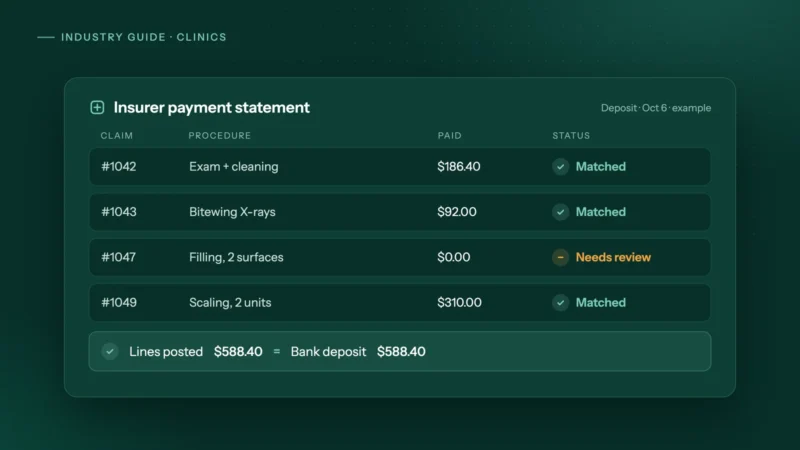 Dental & medical clinics
How clinics can automate insurance payment and remittance posting
How dental and allied health clinics can automate insurance payment and remittance posting safely: matching rules, a mismatch table and privacy tips.
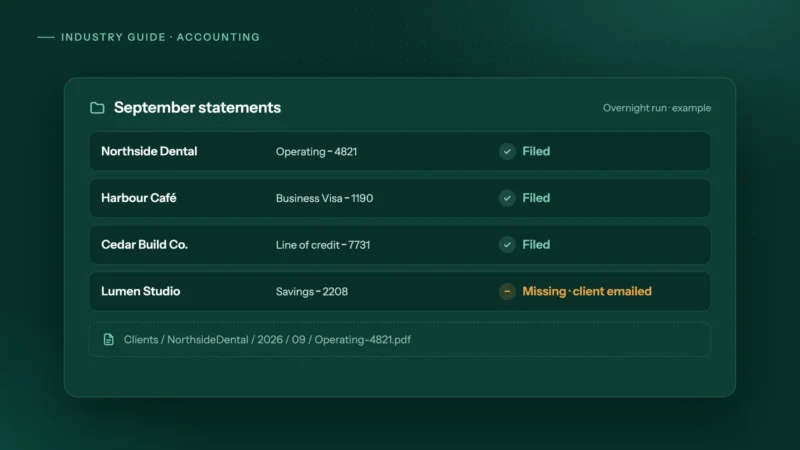 Accounting & bookkeeping
How accounting firms can automate month-end bank statement collection
Bank feeds bring in transactions, not the statements you reconcile to. How small accounting firms can collect every client's statements automatically.
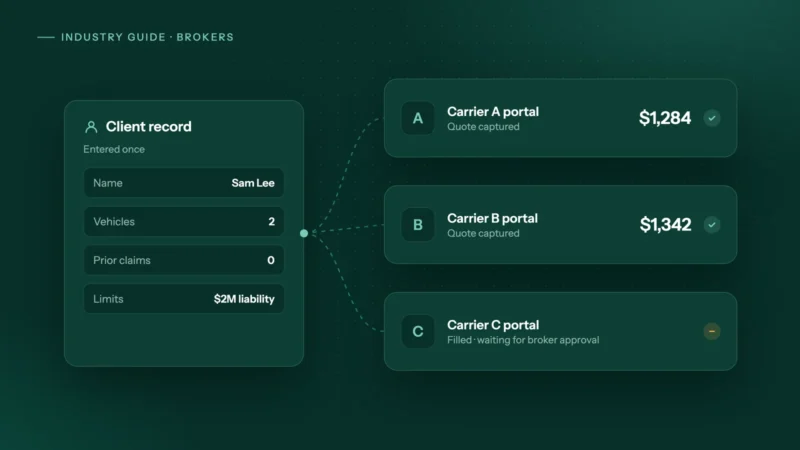 Insurance & mortgage brokers
How to automate carrier portal quoting and stop retyping clients
Why brokers still retype clients into carrier portals, where comparative raters stop, and how to automate portal quotes safely with the broker approving.