How clinics can automate insurance payment and remittance posting
How dental and allied health clinics can automate insurance payment and remittance posting safely: matching rules, a mismatch table and privacy tips.
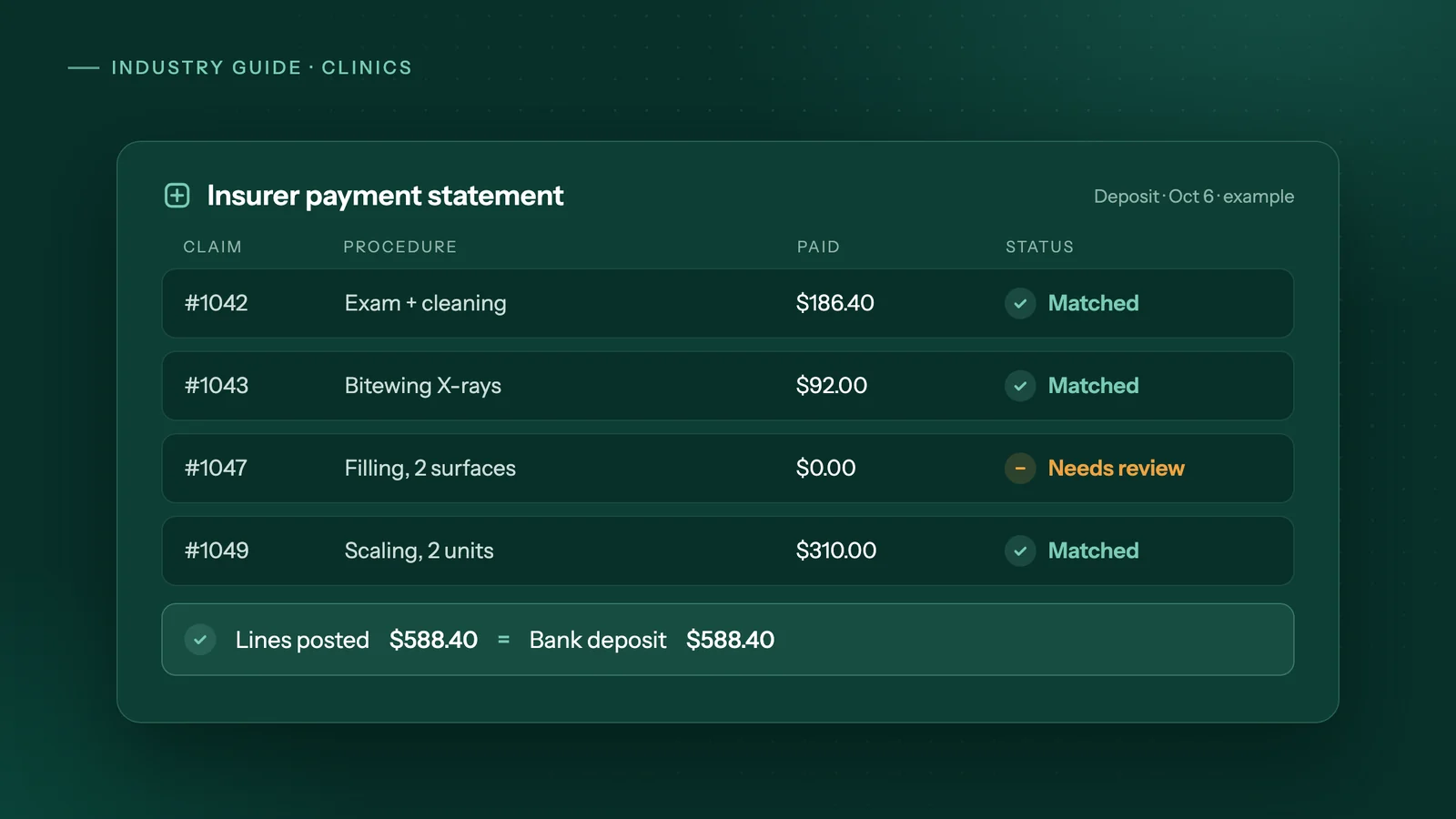
The short answer
To automate insurance payment posting, have software download each insurer's payment statement, match every line to its open claim by patient, date of service and procedure code, post only exact matches, and check that the total equals the bank deposit. Start with one insurer, approve postings by hand at first, and keep staff on denials and coordination of benefits.
Key takeaways
- An EOB explains an insurer's decision on one claim, while a payment statement lists every claim that a single deposit is paying.
- Automate one insurer first and have a person approve every posting until the agent's matches agree with your staff's.
- Treat a posting run as finished only when the posted lines add up to the statement total and the statement total equals the bank deposit.
- Keep people on denials, coordination of benefits, patient-portion questions, write-offs and refunds.
- If your practice software already posts most electronic remittances on its own, automate only the exceptions or nothing at all.
What is an insurance remittance, an EOB and a payment statement?
An explanation of benefits (EOB) tells you what an insurer decided on one claim, procedure by procedure. A payment statement, often called a remittance, lists every claim that a single deposit is paying, so you can split that money across the right patient accounts.
In a Canadian dental office, the EOB often comes back electronically. Canada Life, for example, lists "Claim EOB (21)" and "Predetermination EOB (23)" among the CDAnet transactions it supports. The payment statement usually sits on the insurer's provider portal: Canada Life sends providers to its providerConnect portal to view statements.
One payment rarely means one claim. Canada Life's sample dental statement shows a single direct deposit to a clinic broken down by provider and then by plan member. Posting is the job of recording each of those amounts against the right claim in your practice software, then moving any balance to the patient or a second plan.
The US equivalent: the 835 ERA
In the US, insurers send an electronic remittance advice (ERA) in the ASC X12 835 format. CMS explains that the ERA "helps providers link an EFT with the specific services covered", and that carrying the same reference (the TRN segment) in both the payment and the ERA lets a provider auto-post payments. The same document says health plans must conduct EFT and ERA transactions with providers when asked.
How do dental insurance claims and payments flow in Canada?
The claim goes out electronically from your practice software, the insurer decides it, and the money arrives later as a batch deposit with a statement on a portal. The decision, the money and the paperwork arrive at different times and in different places, which is why posting takes so much effort.
A typical cycle looks like this:
- Submit. CDAnet and ITRANS, run by the Canadian Dental Association, are used by dentists "to submit dental benefit claims to insurance claim processors on behalf of their patients" through CDA-certified practice software.
- Respond. The insurer returns an EOB, or an acknowledgement if the claim is not decided right away. Canada Life's list includes a claim acknowledgement and a "Request for Outstanding Transaction" to collect later responses.
- Pay. The insurer pays by direct deposit for many claims at once and posts a statement on its provider portal.
- Post. Your team matches statement lines to claims, records them and bills any patient portion.
Where the Canadian Dental Care Plan fits
Sun Life administers claims for the Canadian Dental Care Plan (CDCP). It describes Sun Life Direct as its "self-serve portal for oral health providers", where offices can check a patient's eligibility and frequency limits. Providers signed up for electronic fund transfer get claim payments by direct deposit within days; otherwise, payments come by mail monthly.
Some CDCP patients also owe a co-payment based on adjusted family net income. That means a correctly paid CDCP claim can still leave a balance to post to the patient.
Why does posting insurance payments take so long by hand?
Each insurer has its own portal, statement layout and payment timing, and one deposit can cover many patients and procedures. Staff open each statement, find each claim, post line by line, and then have to explain every amount that does not match.
The slow parts are rarely the typing itself. They are signing in to several portals, working out which claim a line belongs to, handling partial payments, and chasing the lines that do not agree. A quiet morning of posting can turn into an afternoon when two statements have an unexplained difference.
Common mismatches and what to do
| Mismatch | Possible reasons | What to do |
|---|---|---|
| Paid less than billed | Plan fee schedule, frequency limit, deductible, annual maximum or co-payment | Post the insurer amount, read the explanation code, move the balance to the patient or a second plan |
| Statement line with no open claim | Claim sent under another provider number or patient record | Find the claim by hand; never post to the "closest" match |
| Claim marked paid but on no statement | Payment in a later batch or sent by mail | Hold and recheck against the next statement |
| $0 paid or line denied | Not covered, missing information, frequency limit | Send to staff to appeal, resubmit or bill the patient |
| Statement total differs from the bank deposit | Missing page, second deposit, or adjustment to an earlier claim | Post nothing until totals agree; escalate |
| Same procedure paid twice | Duplicate or resubmitted claim | Flag for refund or offset with the insurer |
| Balance owed by a second plan | Coordination of benefits | Submit to the secondary insurer with the primary EOB |
How do you automate insurance payment posting safely?
Automate in stages: one insurer first, a person approving every posting at the start, and a firm rule that totals must match the deposit before a run counts as done. Widen the scope only after the agent's matches agree with your staff's for several weeks.
- Measure the current job. For two weeks, note each insurer, how many statements and lines you post, and the minutes it takes. This is your baseline.
- Pick one insurer. Choose the one with the most lines and a steady statement format, such as the CDCP or your largest private carrier.
- Write down the matching rule. A line matches only when patient, date of service, procedure code and claim reference all agree. No guessing on similar names or amounts.
- Prepare, don't post. The agent downloads the statement and builds the postings in a sheet; a person approves them before anything enters the practice software.
- Reconcile to the deposit. Posted lines must add up to the statement total, and the statement total must equal the bank deposit. If either check fails, nothing is final.
- Send only exceptions to a person. Each flagged line should arrive with the EOB and the reason, so the decision takes a minute instead of a search.
- Let clean matches post on their own. Once the agent agrees with staff run after run, allow exact matches to post directly and keep approval for everything else.
- Add the next insurer and status checks. The same pattern extends to checking coverage and claim status overnight, with claims unpaid past your chosen age listed for follow-up.
Where staff must stay in the loop
Some decisions need judgment, not matching. Keep a person on:
- Denials and appeals: whether to appeal, resubmit or bill the patient.
- Coordination of benefits: second-payer claims are their own transaction (Canada Life lists a separate "Coordination of Benefits (COB) Claim (07)"), and payer order depends on the patient's plans.
- Patient-portion questions: explaining a CDCP co-payment or a plan maximum to a patient.
- Write-offs, refunds and recoveries: anything that changes what a patient owes or sends money back.
How do you keep patient data private when automating posting?
Treat remittances as health information, because they list patients, dates and procedures. Choose a setup that keeps that data where your privacy obligations expect it, and confirm the choice with your privacy officer or advisor.
In Canada, the Office of the Privacy Commissioner says health and financial information "would generally be considered sensitive" and should be protected in a way that suits that sensitivity, through physical, organizational and technological safeguards. Ask your privacy officer whether a provincial health privacy law also applies to your clinic.
In the US, the HIPAA Security Rule requires "reasonable and appropriate administrative, physical, and technical safeguards" for electronic protected health information, and allows business associates to handle it only with satisfactory assurances that they will safeguard it.
One practical way to limit exposure is to run the automation on the clinic's own computer: in Adaptiwise AI's on-your-computer setup the agent and the AI model run on that machine, and a portal task connects only to that portal, as staff would. When we host it, the data stays in Canada, kept apart from every other clinic's, with clinical fields encrypted and health information handled under a signed agreement. Our guide to on-device AI automation covers the trade-offs. No setup is compliant by itself; your privacy officer should confirm the fit.
When is automating remittance posting not worth it?
If you post only a handful of insurer payments a week, or your practice software already posts most electronic remittances on its own, automation will probably cost more than it saves. Check both before paying anyone.
- Low volume. Multiply your weekly posting hours by your staff cost and by 52. One hour a week at $30 an hour is $1,560 a year, which a setup fee plus a monthly fee may never pay back.
- Your software already does it. In the US, CMS notes that matching the ERA to the payment lets a provider auto-post. If your software and payers already do this, automate only the exceptions, or nothing. In Canada, check what your software does with electronic EOBs. ClearDent, for example, describes an "auto EOB reader function" that sets the patient charge to match the EOB; that is not the same as posting a batch deposit, so ask your vendor what yours covers.
- The real problem is upstream. If most mismatches start with wrong coverage details at booking, fix intake and eligibility checks first.
- You want one person to own billing. A billing service or a part-time hire may fit better if you also want appeals and patient calls handled. See automation cost compared with hiring.
How would Adaptiwise AI handle insurance remittance posting?
Adaptiwise AI builds and runs an AI agent that does this routine the way your front desk does, usually scheduled before staff arrive. The workflow steps are fixed; AI is used to read statements and portal pages whose layout changes, and the agent stops and asks instead of guessing.
On a schedule, the agent signs in to each insurer portal and the Sun Life CDCP provider portal, checks coverage and claim status, downloads remittances and matches each payment to its claim. It posts matches into your practice software (for example ABELDent, Dentrix or Tracker) through the same screens staff use, and sends only the mismatches to a person to approve. No vendor integration is needed. The agent can also turn completed intake forms into patient records.
If a portal asks for two-step verification, the run pauses and asks someone on your team. Logins are stored as references and hidden from every log. Each run is logged; a failed run alerts an Adaptiwise AI operator, and the fix is proven on a replay before the workflow is trusted again. The goal: posted before the first patient.
Pricing is a one-time setup fee plus a monthly fee, quoted in writing after a free 30-minute assessment. See how Adaptiwise AI works for clinics or book a free assessment.
Frequently asked questions
Can an AI agent post payments into ABELDent, Dentrix or Tracker?
An Adaptiwise AI agent works in the same screens your staff use, so it can enter postings into desktop or web practice software without needing an integration from the vendor. At the start, a person approves each batch before it is saved, and unfamiliar screens always wait for a person to approve.
What happens when an insurer portal asks for a verification code?
The run pauses and asks a person on the clinic's team to complete the two-step verification, the same way a staff member would at sign-in. The agent never tries to get around the check, and the run carries on only after someone on your team has entered the code.
Will automating payment posting change what insurers pay the clinic?
No. Posting only records payments that the insurer has already decided and sent. What the insurer pays depends on the patient's plan, the claim and the insurer's own rules. Automation can make underpayments and denials easier to spot sooner, but deciding whether to appeal or resubmit stays with your staff.
Can claim status be checked automatically every night?
Yes. An agent can sign in to each insurer portal on a schedule, usually overnight or before staff start, read the status of open claims and predeterminations, and write the results to a spreadsheet. Claims that remain unpaid past an age you choose can be listed for staff to follow up the next morning.
How do I find out whether automating remittance posting is worth it for my clinic?
Time the current job for two weeks, then multiply the weekly hours by your staff cost and by 52 to get a yearly figure. Adaptiwise AI offers a free 30-minute video assessment and then a written plan with the price, flexible payment options and the expected saving, so you can compare it against that baseline before committing.
Sources
- CDAnet and ITRANSCanadian Dental Association. Accessed October 8, 2026.
- Canada Life dental provider claims how-to'sCanada Life. Accessed October 8, 2026.
- Sample statements (dental providers)Canada Life. Accessed October 8, 2026.
- Oral health provider FAQ (Canadian Dental Care Plan)Sun Life. Accessed October 8, 2026.
- EFT and ERA: Electronic Funds Transfer and Electronic Remittance Advice TransactionsCenters for Medicare & Medicaid Services (CMS). Accessed October 8, 2026.
- PIPEDA Fair Information Principle 7 - SafeguardsOffice of the Privacy Commissioner of Canada. Accessed October 8, 2026.
- Summary of the HIPAA Security RuleU.S. Department of Health and Human Services. Accessed October 8, 2026.
- How to use the ClearDent EDI transaction managerClearDent. Accessed October 8, 2026.
Third-party prices and product details change. Figures were checked on October 8, 2026. This guide is general information, not legal, tax or financial advice.
Keep reading
All guides →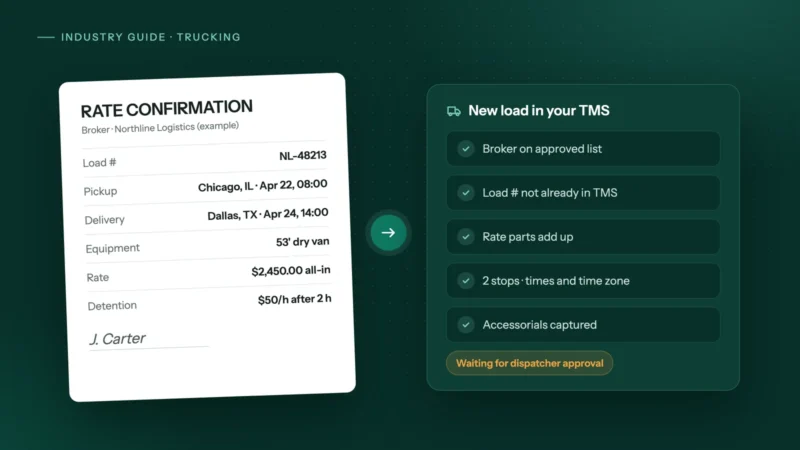 Trucking & logistics
How to automate rate confirmations into your TMS
Stop retyping broker rate cons into your TMS: fields to extract, checks to run, where people stay in the loop, and how to invoice the day it delivers.
 Accounting & bookkeeping
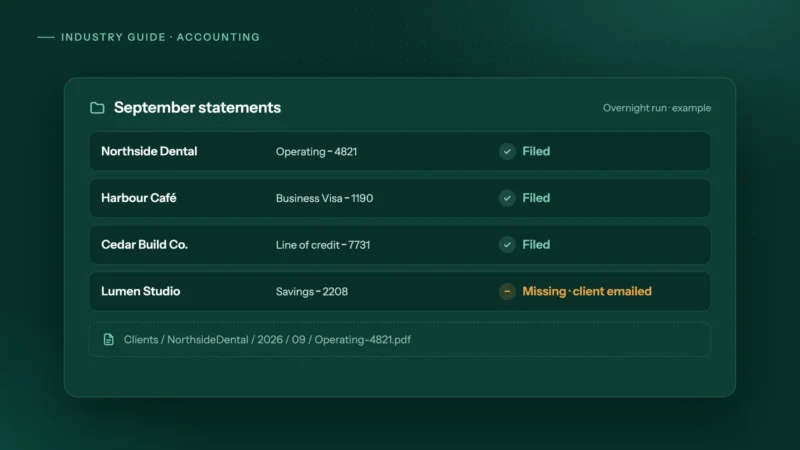
How accounting firms can automate month-end bank statement collection
Bank feeds bring in transactions, not the statements you reconcile to. How small accounting firms can collect every client's statements automatically.
 Insurance & mortgage brokers
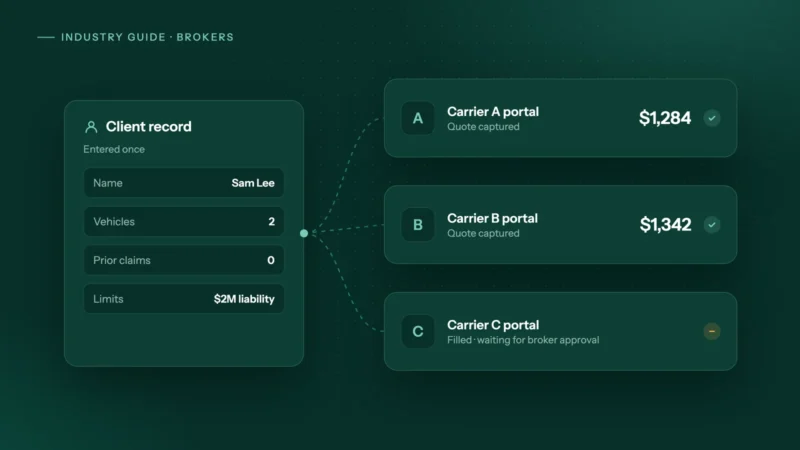
How to automate carrier portal quoting and stop retyping clients
Why brokers still retype clients into carrier portals, where comparative raters stop, and how to automate portal quotes safely with the broker approving.