How to automate carrier portal quoting and stop retyping clients
Why brokers still retype clients into carrier portals, where comparative raters stop, and how to automate portal quotes safely with the broker approving.
The short answer
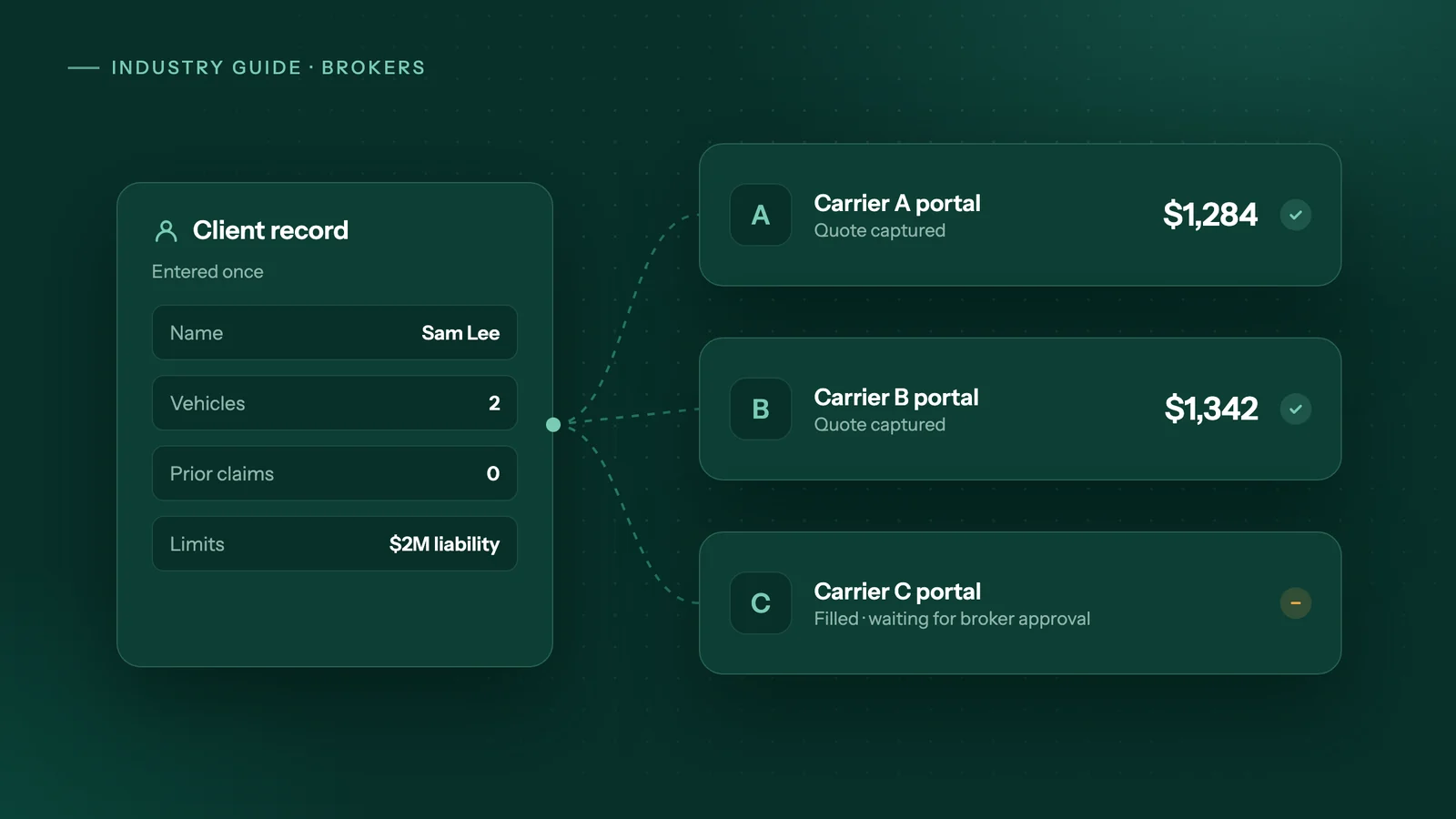
Use your comparative rater or API quoting wherever a carrier and line are connected, and automate only the gaps. An AI agent can take one client record, fill each remaining carrier portal, stop before anything is submitted or bound, collect the quotes into one side-by-side comparison and file the documents. Start with one line of business and two carriers.
Key takeaways
- Comparative raters and API quoting cover only some carriers, lines and regions, so many commercial and specialty quotes still go through each carrier's own portal.
- Every retype is another chance to give a carrier wrong information, and inaccurate or incomplete application information is a known source of agency E&O claims.
- Automate one line of business and two carriers first, and require a broker's approval before any quote is submitted or bound.
- Keep advice, underwriting answers, binding and client conversations with the licensed broker, and give the agent the typing, downloading, filing and reminders.
- If your rater already covers your book, or you only quote a handful of portal risks a month, portal automation is unlikely to pay back its setup cost.
Why do brokers retype the same client into every carrier portal?
Because the shortcuts only reach part of the market. Comparative raters and direct quoting connections cover some carriers, some lines and some regions; everything else goes through each carrier's own website, one form at a time.
In Canada, Applied describes Applied Rating Services as comparative rating software for "automobile and property risks", with direct integration to Applied Epic (Applied Systems). In the US, EZLynx lets you check which lines its rater covers "by carrier and state", and notes that after rating you can "go to a carrier's portal to bind and issue a policy" (EZLynx). Even a well-connected personal lines desk ends up in portals.
Commercial lines are harder. When CSIO, Canada's insurance technology association, formed a commercial lines working group in 2018, it said standards would reduce "errors and double entry", but that the complexity of commercial risks meant broad industry support was needed (CSIO via Insurance-Canada.ca).
By September 2024, CSIO had certified Applied Epic and Applied Policy Works for API quoting in four commercial segments: business and professional services, contractors, retail and real estate. Where that connection exists, brokers send and receive quotes inside their management system instead of re-keying data or logging into portals (CSIO via Canadian Underwriter). Outside the carriers and segments connected that way, the portal is still the route.
Documents follow the same pattern. CSIO eDocs, known as ACORD eDocs in the US, is one North American standard that lets carriers deliver policy documents straight into a broker's management system (ACORD). Where a carrier or line doesn't send documents that way, someone downloads and files PDFs by hand.
Comparative rater vs carrier portal: which tool does which job?
Use the rater or API quoting wherever it covers the carrier and line, because it is faster and built for the job. An AI agent is for the gaps: portals with no connection, the documents they produce, and the follow-up nobody has time for.
| Job | Comparative rater or API quoting | Carrier portal by hand | AI agent working the portal |
|---|---|---|---|
| Personal auto or home with carriers your rater covers | Best fit | Not needed | Not needed |
| A carrier or line your rater doesn't cover | Not available | Staff re-key the client each time | Fills the portal from one client record |
| Commercial risk in a segment without API quoting | Not available | Long forms, carrier by carrier | Fills each form, stops at questions it can't answer |
| Binding and issuing | Often hands off to the carrier's portal | Broker binds | Prepares; broker approves and binds |
| Quote and policy PDFs not delivered by eDocs | Not applicable | Download, rename, file | Downloads and attaches to the client file |
| Comparing rater and portal quotes together | Shows only the carriers it rates | Copy into a spreadsheet | Builds one side-by-side sheet |
| Renewal and missing-document reminders | Not what raters are for | Diary entries and memory | Scheduled checks and reminder emails |
An agent is not the only option for automation. If the job is moving data between two apps that already have integrations, a tool like Zapier or Make is cheaper and simpler. We compare the three approaches in AI agents vs Zapier vs RPA.
What does re-keying put at risk?
Time is the obvious cost; accuracy is the bigger one. Each time someone types the same client again, there's a fresh chance to transpose a digit, drop a driver or pick the wrong construction year, and the carrier rates whatever was typed.
In an IA Magazine review of agency E&O claims, Swiss Re Corporate Solutions reported that roughly one-third of application errors in 2018 involved "providing inaccurate or incomplete information to the carrier". The article notes these are hard to defend, because the agency often can't prove the client supplied the information (IA Magazine). Re-keying isn't behind all of those, but every extra copy of the data is another place for a mismatch to start.
There's a quieter cost too. If each portal gets slightly different answers, the quotes you put side by side aren't for the same risk. Entering the client once keeps the comparison fair.
To size the problem, have staff log portal time for one week: quotes per line, minutes per portal, and minutes spent downloading and filing documents. Then put the hours into the savings calculator.
How do you automate carrier portal quoting safely?
Start small and keep a broker on every submission. One line of business and two carriers is enough to prove the workflow before you trust it with more.
- Pick the line and the carriers. Choose the line where staff re-key most, and the two portals they use most for it.
- Define one client record. List the fields every portal asks for (names, addresses, dates of birth, vehicles or locations, prior claims, limits wanted) and keep them in one place: your management system, an intake form or a Google Sheet.
- Map each portal to that record. Mark which questions come straight from the record and which need a broker's answer, such as underwriting questions or unusual exposures. The agent fills the first kind and stops on the second.
- Stop at the quote. The agent fills the forms and captures the quote. Nothing is submitted, bound or paid for until a broker approves it.
- Build the side-by-side sheet. Each quote lands in one comparison: carrier, premium, deductibles, limits, conditions noted on the quote, and the date the quote expires.
- File the documents. Quote letters, applications and policy PDFs are downloaded, named the same way every time and attached to the client's file.
- Add reminders. Scheduled checks flag upcoming renewals and email clients about missing items, such as a signed application or proof of prior insurance.
- Review, then expand. After a few weeks of clean runs, add the next carrier or the next line, not both at once.
What stays with the broker
The agent types, downloads, files and reminds. The licensed broker still decides what coverage to recommend and which markets to approach, answers underwriting questions after speaking to the client, reviews every quote, approves every submission, binds, and explains the policy. The same E&O review lists failure to explain policy provisions as a source of claims, which is one more reason that conversation stays human.
Does the same apply to mortgage brokers and lender portals?
Partly. If your deals already go through a broker platform, the submission itself is covered; the gain is in the copying and chasing around it.
Filogix says its Expert Broker tool lets brokers submit applications to more than 350 lenders (Filogix), and Newton describes Velocity as a "Mortgage Operating Platform" with its own application and document intake (Newton). If you use one of these, retyping the application for each lender isn't your bottleneck.
What's often left is the work around the submission: copying application data between your broker system and other lender tools or spreadsheets, downloading lender documents, and chasing clients for pay stubs, statements and ID. An agent can do that through the same screens your staff use, under the same rule: nothing goes to a lender without a broker's approval.
When is automating carrier portals not worth it?
When the connections you already have cover the work, or when there isn't enough of it to justify a setup fee.
- Your rater covers your book. If your personal lines carriers are all in your comparative rater, keep using it. An agent adds nothing there.
- The carrier offers API quoting, an upload or eDocs you already use. A direct connection beats working through screens. Keep it.
- Volume is low. A handful of portal quotes a month won't pay back the setup. Log the time first.
- Each risk is bespoke. If every specialty submission is a narrative and a phone call with an underwriter, typing isn't the bottleneck.
- The carrier's terms rule it out. Check each portal's terms of use and your agency agreement. If automated access isn't allowed, leave that portal manual.
How would Adaptiwise AI handle carrier portal quoting?
Adaptiwise AI builds and runs the agent described above: one entry, every carrier, as the workflow for brokers puts it.
The steps are fixed: read the client record, sign in to each portal, fill the forms, capture the quote, download the documents, update the comparison sheet. AI reads pages and PDFs whose layout changes. If a question isn't covered by the client record, the agent stops and asks instead of guessing. Submissions, payments and unfamiliar screens wait for your approval, and a two-step verification prompt pauses the run for someone on your team.
Every run is logged. A failed run alerts an Adaptiwise AI operator, and the fix is proven on a replay before the workflow is trusted again. Logins are stored as references and hidden from every log.
Client files hold personal and financial details, so you can run it on your own computer, with the agent and its AI model on that machine, or let us host it in Canada with your data kept apart from every other business's; each portal task connects only to that portal. Confirm the setup with your privacy officer.
Pricing is a setup fee plus a monthly fee, with flexible payment options, set out in a written plan after a free 30-minute assessment.
Frequently asked questions
Is it safe to give an automation agent our carrier portal logins?
It depends on how the logins are handled. Look for logins stored as references rather than plain text, used only at the step that needs them and hidden from every log. When a portal asks for two-step verification, the run should pause and ask someone on your team to complete it, so the agent never holds that second factor itself.
Do carriers allow automated access to their agent portals?
It varies by carrier. Before automating a portal, read its terms of use and your agency agreement, and ask your carrier representative if the wording is unclear. If a carrier does not allow automated access, leave that portal manual and automate the others. A carrier that offers API quoting or document download is usually the better route anyway.
What happens when a carrier changes its portal screens?
Small layout changes are handled by AI that reads the page rather than relying on fixed screen positions. A screen the agent has not seen before waits for a person to approve. If a run fails, it should alert whoever maintains the workflow, and the fix should be tested on a replay of that run before the workflow is trusted with live quotes again.
Does portal automation replace our comparative rater or management system?
No. The rater and any API quoting stay in place for the carriers and lines they cover, because they are faster. The management system stays the record of each client. The agent works in the gaps: portals with no direct connection, the documents those portals produce, a combined comparison sheet, and the reminders that otherwise depend on someone remembering.
What should a brokerage prepare before automating portal quotes?
Pick the line of business and the two carriers you quote by hand most often. Gather a blank copy of each portal's questions, a few completed sample quotes, the list of client fields you collect at intake, and a test login for each portal. Decide who on the team approves submissions and who completes two-step verification prompts.
Sources
- ACORD and CSIO to Unify and Rebrand eDoc and Message Standard Across North AmericaACORD. Accessed October 8, 2026.
- CSIO Announces Working Group to Advance Implementation of Commercial Lines Data StandardsInsurance-Canada.ca (CSIO press release). Accessed October 8, 2026.
- CSIO Congratulates Applied Systems Canada for Becoming Commercial Lines Certified in Key Industry SegmentsCanadian Underwriter (CSIO press release). Accessed October 8, 2026.
- Applied Rating Services (Canada product sheet)Applied Systems. Accessed October 8, 2026.
- Rating EngineEZLynx. Accessed October 8, 2026.
- Learning from Last Year's Top E&O MistakesIA Magazine, Independent Insurance Agents & Brokers of America. Accessed October 8, 2026.
- Filogix for BrokersFilogix. Accessed October 8, 2026.
- Velocity Mortgage Operating PlatformNewton Connectivity Systems. Accessed October 8, 2026.
Third-party prices and product details change. Figures were checked on October 8, 2026. This guide is general information, not legal, tax or financial advice.
Keep reading
All guides →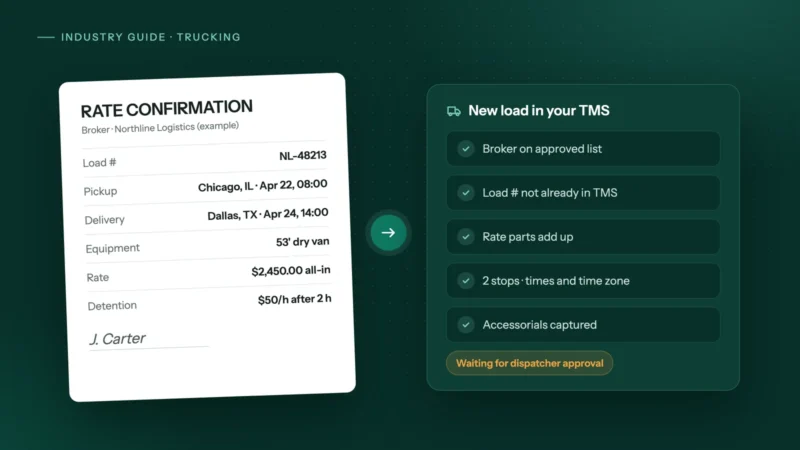 Trucking & logistics
How to automate rate confirmations into your TMS
Stop retyping broker rate cons into your TMS: fields to extract, checks to run, where people stay in the loop, and how to invoice the day it delivers.
 Dental & medical clinics
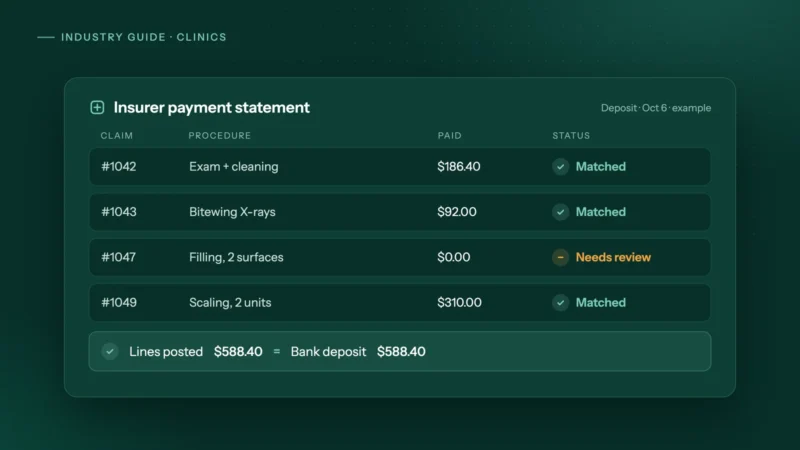
How clinics can automate insurance payment and remittance posting
How dental and allied health clinics can automate insurance payment and remittance posting safely: matching rules, a mismatch table and privacy tips.
 Accounting & bookkeeping
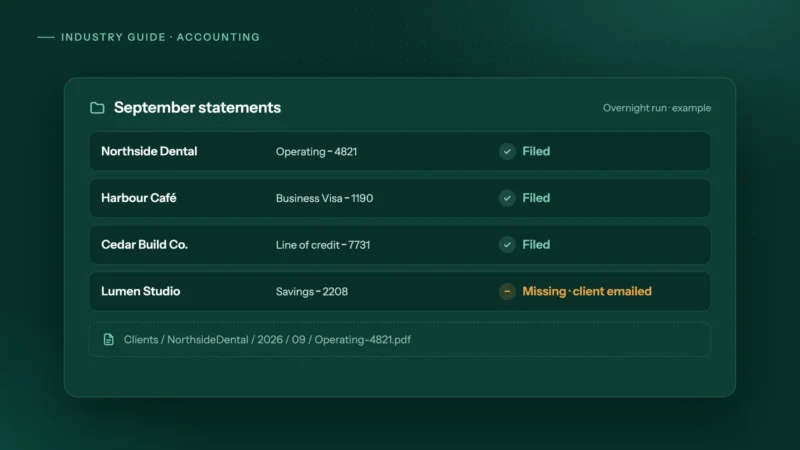
How accounting firms can automate month-end bank statement collection
Bank feeds bring in transactions, not the statements you reconcile to. How small accounting firms can collect every client's statements automatically.