
Customs broker data entry: how many times is one shipment retyped?
One shipment's data is often typed into several systems. Count your own retyping hours in two minutes, and see which steps an agent can take over.
The short answer
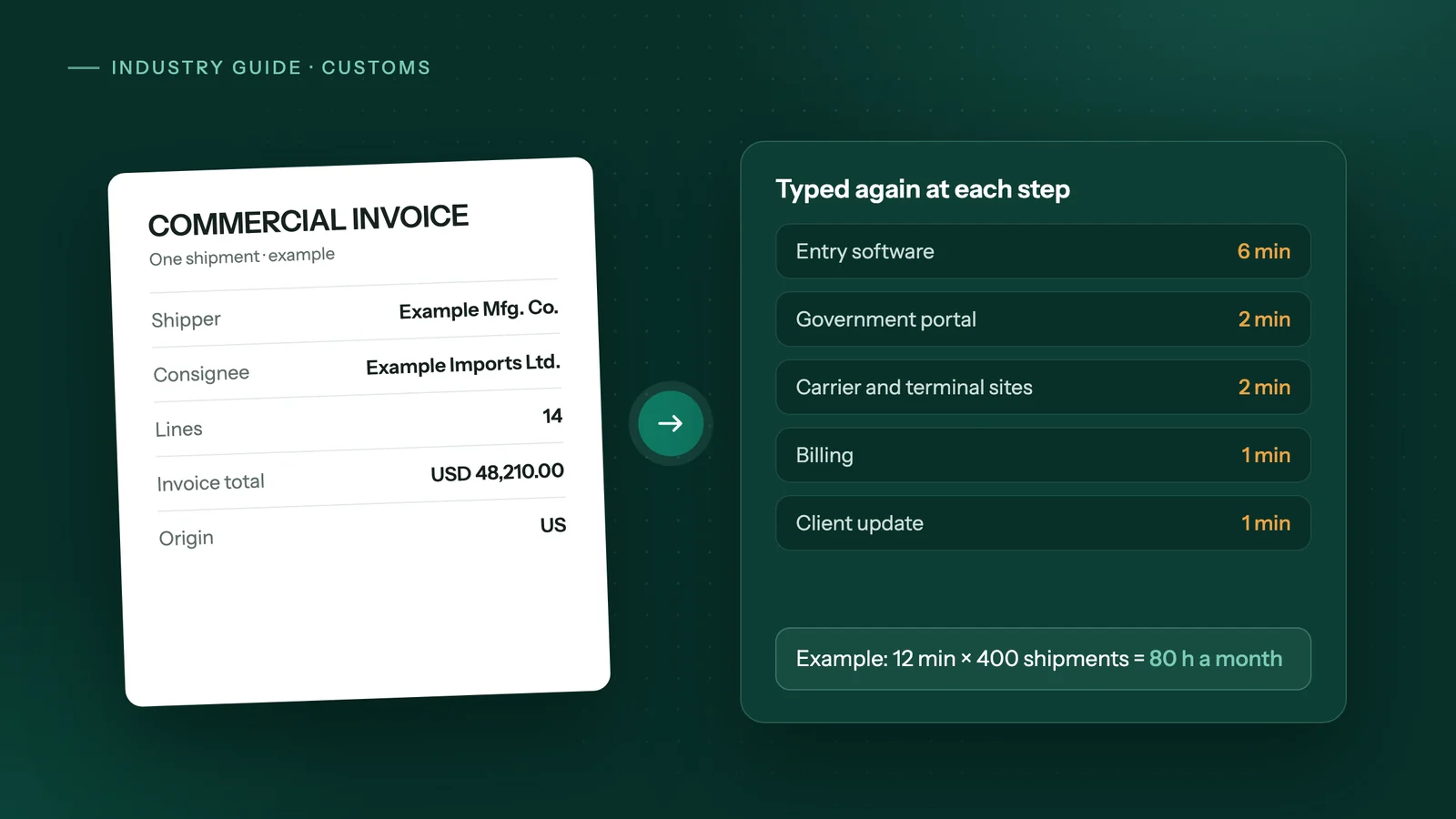
In many brokerages the same shipment data, such as parties, invoice lines, values and codes, is typed again at each step: the entry software, the government portal, billing and the client update. Count the steps, minutes and monthly shipments to see your hours. The copying steps are worth automating; classification and filing decisions stay with a licensed broker.
Key takeaways
- Retyping hides in the hand-offs between systems, so count minutes per step per shipment rather than guessing a total.
- In Canada, CARM became the system of record for duties and taxes on 21 October 2024, and a broker needs the importer's delegation before submitting a CAD for them.
- In the US, CBP refunds IEEPA duties through CAPE declarations in the ACE Portal, each listing up to 9,999 entries, which means checking entry lists against your own records.
- Automate the copying and checking; keep classification, valuation, filing and anything sent to a government system with a licensed person.
- Automation is rarely worth it at low volume, or when your entry software already imports invoices cleanly.
Where does one shipment get retyped?
At almost every hand-off between systems. The same parties, invoice lines, values and codes arrive in one document and then get keyed again for the entry, the government portal, the bill and the client update.
A typical path for one import looks like this:
| Step | What gets typed | Where it often comes from |
|---|---|---|
| Commercial invoice and packing list | Parties, line descriptions, quantities, values, origin | A PDF or scan from the client or supplier |
| Customs entry software | The same lines, plus classification and valuation | Typed from the invoice |
| Government portal | Statements, corrections, refund or remission lists | Looked up in, or copied from, the entry software |
| Carrier and terminal sites | Container or shipment status | Checked by hand, site by site |
| Billing | Duties, taxes, fees and disbursements per file | Copied from the entry and the statement |
| Client update | Status, release, amounts owing | Copied from all of the above into an email |
Not every brokerage does every step this way. Some entry software imports invoices well, and some clients send clean spreadsheets. The point is to find the steps where your team copies data from one screen into another, because those are the ones that cost hours without needing a broker's judgement.
What changed in Canada with CARM?
CARM moved duties and taxes onto a new system of record and gave importers their own portal access. The CBSA says CARM has been the "official system of record for imposing or levying duties and taxes" since 21 October 2024, and that a broker cannot submit a Commercial Accounting Declaration (CAD) for an importer until the importer grants that authority in the CARM Client Portal.
That added work at the edges: onboarding clients, chasing delegations, and checking statements. The Canadian Press reported in December 2025 that CIFFA counted about 50 outages in CARM's first year, most of them unscheduled, while the CBSA said the system had been up 99 per cent of the time.
Surtax relief adds more files to track. For example, the United States Surtax Remission Order (Motor Vehicles 2026) covers listed vehicles imported between 9 April 2026 and 8 April 2027, and the importer has two years from the date of importation to claim. Each claim means pulling the right entries and documents together, and much of that is lookup and copying.
What changed in the US with IEEPA refunds?
US brokers now have a refund project on top of normal entries. The Supreme Court ruled on 20 February 2026 that IEEPA does not authorize tariffs, and CBP now refunds IEEPA duties through CAPE, a function in the ACE Portal.
According to CBP, only the importer of record or the licensed broker who filed the entries can file a CAPE Declaration, and each declaration can list up to 9,999 entries. CBP says valid refunds are generally issued 60 to 90 days after a declaration is accepted. Phase 1 covers certain unliquidated entries and entries within 80 days of liquidation, and phase 2 added certain reconciliation-flagged entries from 29 June 2026.
For a brokerage, that means building entry lists per client, checking them against your own records and ACE reports, and tracking which entries have already been declared, because CBP accepts an entry on only one declaration. It is careful, repetitive cross-checking: work that suits an agent, with a licensed person making the final call.
How many hours does your team spend retyping?
Count it rather than guess. Fill in the minutes your team spends per shipment at each step, then multiply by your monthly volume:
| Step where data is typed again | Minutes per shipment (yours) |
|---|---|
| Invoice and packing list lines into entry software | |
| Status checks on carrier and terminal sites | |
| Portal work: statements, corrections, refund or remission lists | |
| Billing and accounting entry | |
| Client status email or portal update | |
| Total minutes per shipment (A) |
Then:
- Write down shipments per month (B). Use last month's count from your entry software.
- Work out monthly hours. Hours = A × B ÷ 60.
- Put a cost on it. Multiply the hours by your loaded hourly cost for the staff who do it: wage plus payroll costs and overhead.
- Mark which steps need judgement. Classification, valuation and anything that answers a government query stay with a person; the rest is a candidate for automation.
An example with made-up numbers, only to show the arithmetic: 12 minutes of retyping per shipment × 400 shipments a month = 80 hours a month. Our guide to AI automation cost versus hiring shows how to compare that figure with the cost of an extra hire. The savings calculator on our home page does the same sum for any team.
How do you automate customs data entry safely?
Start with one step and one client, and keep a licensed person on everything that goes to a government system:
- Pick the step with the most minutes from the self-check, often invoice lines into the entry software.
- Collect a test set. A few weeks of past invoices and the entries your team made from them.
- Write the checks. Line totals must add up to the invoice total, currency and origin must be present, and an unknown supplier or product goes to a person.
- Run in draft mode. The agent prepares the entry data; a broker reviews it before anything is saved or transmitted.
- Widen slowly. Add clients, then the next step, such as container tracking or client updates.
- Review the run log weekly and change a rule only when the same exception keeps coming back.
The same pattern works for refund or remission lists: the agent builds and cross-checks the list, and a broker approves and files it. Our comparison of AI agents, Zapier and RPA explains which tool suits work inside portals and desktop software.
When is automating it not worth it?
When the volume is small or the data already flows cleanly:
- Low volume. If the self-check comes to a few hours a month, a checklist is cheaper than automation.
- Your entry software already imports invoices well. Use its import or EDI feature first; it is faster than any agent working on screens.
- Every shipment is different. If most files need research, rulings or classification work, the hours are judgement, not typing.
- No agreed process. If each person handles files their own way, agree on one way first; automation copies a process, it doesn't settle it.
How would Adaptiwise AI handle it?
Adaptiwise AI builds and runs the agent for you. In our customs brokerage workflow, it extracts invoice lines into your customs software for a broker to review, tracks containers across carrier and terminal portals on a schedule, pulls CARM statements and reconciles them against your billing, and sends each client a status update your team has approved.
It works in your software and portals the way your staff do, through the same screens, and uses a direct integration such as Google Sheets where a reliable one exists. The steps are fixed; AI reads documents whose layout changes, and the agent stops and asks instead of guessing. Submissions always wait for a person, and two-step verification pauses the run for your team.
You can run it on your own computer, hybrid or hosted in Canada. See how a project runs, or bring your self-check numbers to a free 30-minute assessment and get a written plan with the price and flexible payment options.
Frequently asked questions
Does an automation agent file entries with CBSA or CBP?
It should not. A safe setup has the agent prepare the data, such as invoice lines entered in your customs software or a list of entries to check, and a licensed broker on your team reviews and transmits. Submissions to a government system always wait for a person to approve them.
Does my customs entry software need an API for this?
No. An agent can work through the same screens your staff use, filling in the same fields in the same order. If your software has a reliable import feature, such as a spreadsheet or EDI upload, that route is usually faster and should be used where it exists.
Can AI read commercial invoices from different suppliers?
Usually, if the document is legible. Every supplier lays out its invoice differently, which is why fixed templates break. A safer setup has AI read each invoice and then runs strict checks, such as line totals adding up to the invoice total, and sends anything unclear to a person instead of guessing.
Is client data safe if an agent handles our entries?
It depends on where the agent runs and how logins are handled. Look for logins stored as references and hidden from every log, and pauses for two-step verification. Adaptiwise AI can run the agent on your own computer, in a hybrid setup, or hosted in Canada, and lists the providers it uses on its privacy page.
How many shipments a month make automation worth it?
There is no fixed number. Multiply the minutes retyped per shipment by your monthly shipments to get hours, then compare that with the cost of the automation. A few dozen simple shipments a month rarely justifies it; hundreds of shipments with long invoices often do. The self-check table in this guide gives you the figure.
Sources
- CARM: Features and benefitsCanada Border Services Agency. Accessed October 23, 2026.
- Customs portal causing headaches more than a year into its rolloutThe Canadian Press (via National Newswatch). Accessed October 23, 2026.
- United States Surtax Remission Order (Motor Vehicles 2026), SI/2026-13Justice Laws Website, Government of Canada. Accessed October 23, 2026.
- International Emergency Economic Powers Act (IEEPA) Duty RefundsU.S. Customs and Border Protection. Accessed October 23, 2026.
- United States Supreme Court Invalidates IEEPA TariffsJones Day. Accessed October 23, 2026.
- Becoming a Customs BrokerU.S. Customs and Border Protection. Accessed October 23, 2026.
Third-party prices and product details change. Figures were checked on October 23, 2026. This guide is general information, not legal, tax or financial advice.
Keep reading
All guides →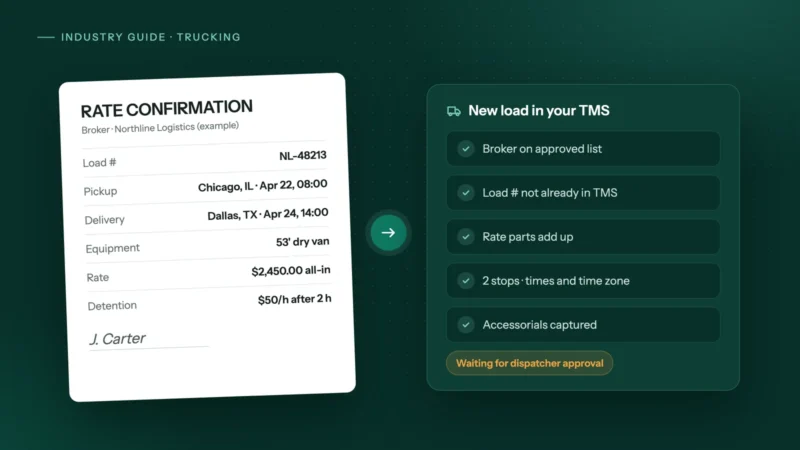 Trucking & logistics
How to automate rate confirmations into your TMS
Stop retyping broker rate cons into your TMS: fields to extract, checks to run, where people stay in the loop, and how to invoice the day it delivers.
 Dental & medical clinics
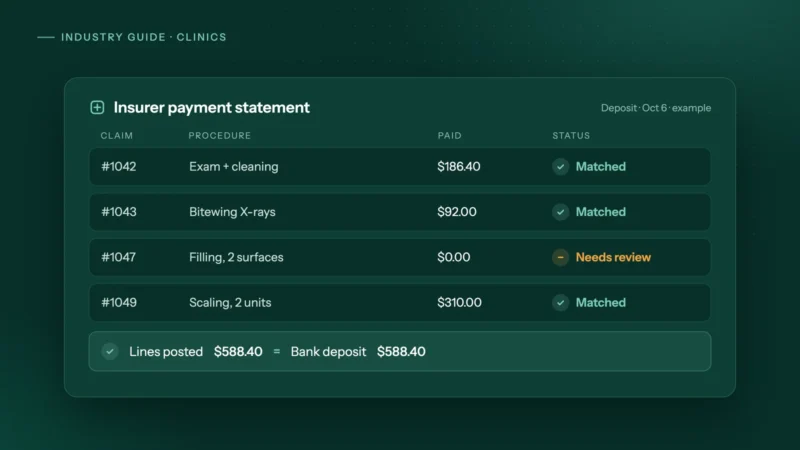
How clinics can automate insurance payment and remittance posting
How dental and allied health clinics can automate insurance payment and remittance posting safely: matching rules, a mismatch table and privacy tips.
 Accounting & bookkeeping
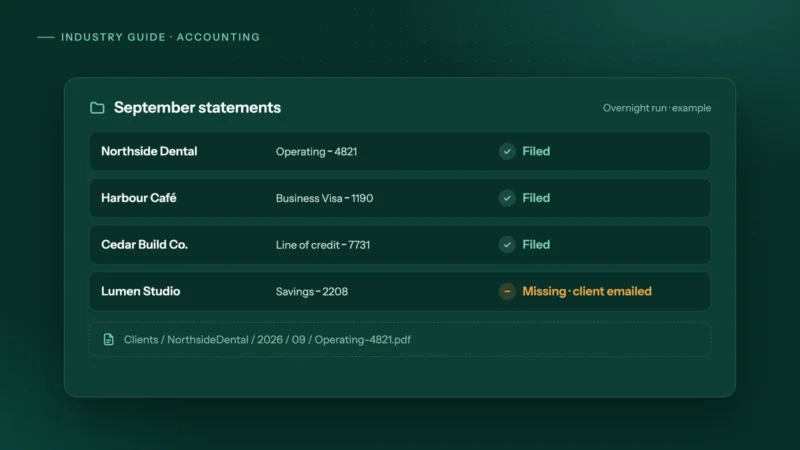
How accounting firms can automate month-end bank statement collection
Bank feeds bring in transactions, not the statements you reconcile to. How small accounting firms can collect every client's statements automatically.