How accounting firms can automate month-end bank statement collection
Bank feeds bring in transactions, not the statements you reconcile to. How small accounting firms can collect every client's statements automatically.
The short answer
Bank feeds in QuickBooks Online and Xero import transactions, but reconciling needs the statement's ending balance, and tax rules say to keep statements. To automate collection, list every client account in a sheet, have an agent sign in to each portal overnight, pause for a person at two-step verification, file by client and month, and email clients what is missing.
Key takeaways
- Bank feeds bring transactions into QuickBooks Online and Xero, but QuickBooks still has you reconcile to the statement's ending balance, and Xero flags missing or duplicated feed transactions.
- The CRA tells businesses to keep bank statements and to hold records for at least six years, and the IRS lists credit card and account statements among supporting records.
- Start with one sheet listing every client account, its portal, its statement closing date and who receives the two-step verification code.
- Treat every login as the client's: check the bank's account agreement and your engagement letter before storing or using client credentials.
- If you have few clients, or they already upload statements on time, a shared folder and a reminder email may be all you need.
Do you still need bank statements if you have bank feeds?
Yes, for most firms. Bank feeds bring transactions into your accounting software, but reconciliation and record-keeping still depend on the statement the bank issued.
When an account is connected, QuickBooks Online says transactions and balances download automatically. Yet its own guide to reconciling an account starts with "Have your latest bank or credit card statement to hand," then asks you to enter the ending balance and ending date from that statement and compare each transaction against it.
Xero also plans for gaps. Its bank reconciliation page shows the bank statement balance next to the balance in Xero, alerts you when they differ, and offers a reconciliation summary to help find "missing, deleted, or duplicated bank transactions." A feed is a fast copy of the bank's data. The statement is how you prove the copy is complete.
Record-keeping rules point the same way. The CRA tells businesses to keep bank statements along with deposit slips, and to keep records for at least six years from the end of the last tax year. The IRS lists credit card statements and account statements among the supporting documents a business should keep.
Not every account connects, either. Xero notes that if a bank doesn't connect, you can manually import the transaction data, which means someone has to download it first.
Why does collecting client statements take so long?
Because every statement sits behind a separate login, and every login has its own steps. A firm with 40 clients and three accounts each faces more than 100 sign-ins every month.
The time goes on small things that add up:
- Two-step verification. Many portals send a one-time code to a phone, often the business owner's, not yours.
- Different layouts. Every bank puts statements in a different menu, and some move them after a redesign.
- More than one account type. Credit cards, lines of credit and loans often sit in a different section, or on a different site.
- Different closing dates. Not every account closes on the last day of the month, so month-end arrives on several dates.
- Changed passwords. A client resets a password or locks an account, and nobody tells the firm.
Then comes the follow-up: working out what is still missing and chasing the client for it, again.
Existing tools cover parts of this. Dext can connect a bank feed and extract every transaction from a PDF statement you upload, and its Fetch feature collects bills and invoices from supplier websites, then checks for new ones weekly. Dext notes that a password change or newly added two-factor sign-in can disrupt a connection.
Hubdoc once logged in to banks and suppliers to fetch statements and bills. Xero retired those "standard fetch" connections in April 2022, saying they had "become outdated and are often blocked by banks and online suppliers." Xero said its direct connections with Bank of America, Wells Fargo and Stripe would continue.
Bank feeds vs fetch tools vs an AI agent vs staff: which should you use?
Use bank feeds for day-to-day transactions, fetch tools where they support the portal, and an agent or staff for the PDF statements nothing else collects. In practice you will probably use a mix.
| Bank feeds (QuickBooks Online, Xero, Dext) | Fetch tools (e.g. Dext Fetch) | AI agent working in the portal | Staff by hand | |
|---|---|---|---|---|
| What it collects | Transactions and balances | Supplier bills and invoices from supported sites | Statements, bills and receipts from portals you are allowed to use | Anything |
| PDF bank statements | No; you supply statements yourself | Dext Fetch covers bills and invoices; Hubdoc's bank fetch was mostly retired | Yes | Yes |
| Two-step verification | Part of connecting the feed | A new 2FA setting can break the connection | Run pauses and asks a person | Handled live by staff |
| Coverage | Banks the feed supports; others need manual import | Suppliers on the tool's list | Any portal a person on your team can sign in to | Any |
| Ongoing effort | Low, plus checking for gaps | Low, plus re-linking after password changes | Setup once, then review exceptions | Hours every month |
| Best for | Coding transactions | Recurring supplier bills | Many clients across many banks | A handful of accounts |
Feeds and fetch tools are cheaper and simpler when they cover the account. An agent earns its place on the long tail: smaller banks, card portals, lines of credit and supplier sites no connector reaches.
How do you automate month-end statement collection safely?
Start with a complete account list, then automate one predictable routine around it. These steps apply whether the collecting is done by an agent, a script or a junior staff member.
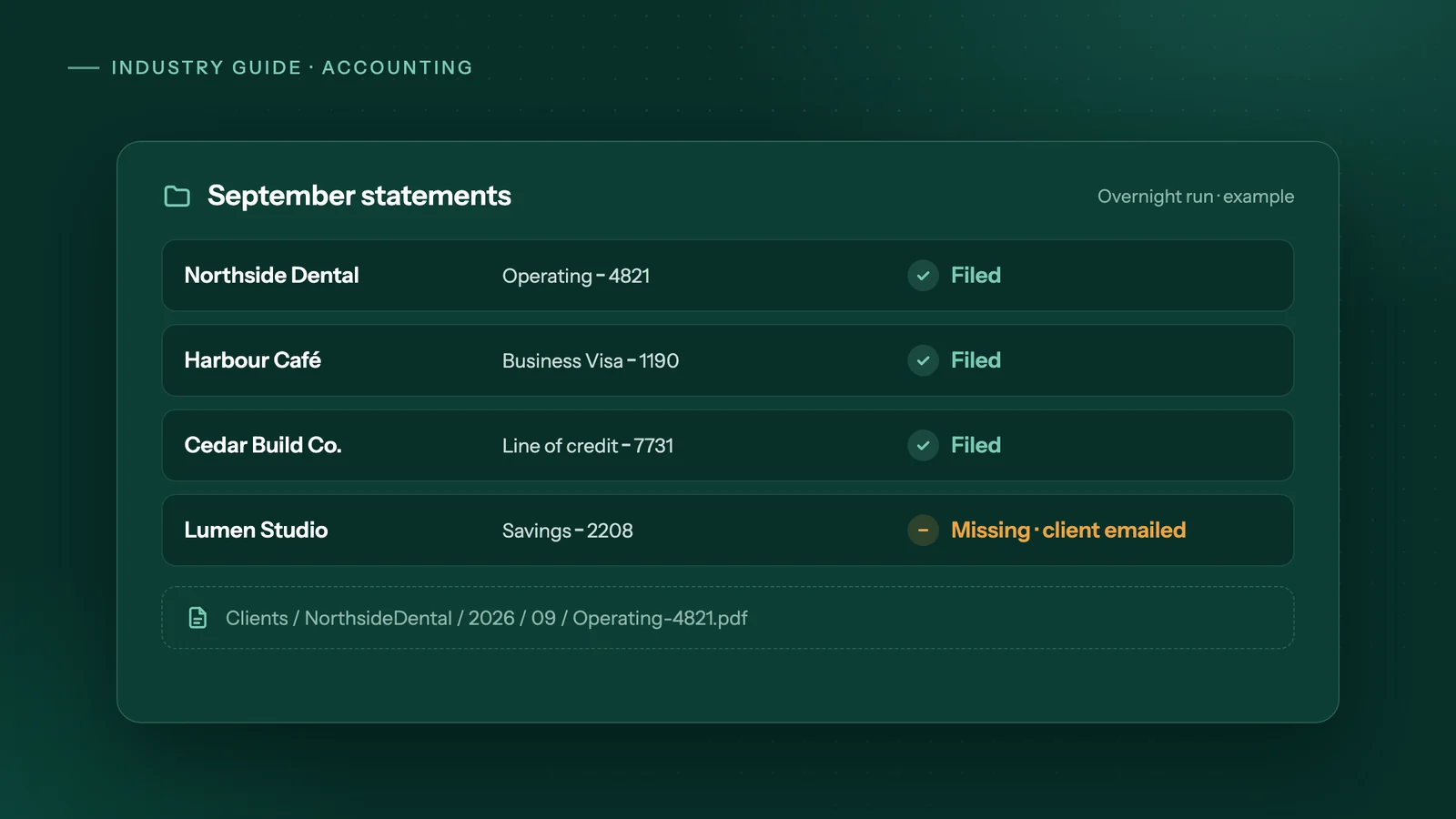
- Inventory every client account in one sheet. One row per account: client, institution, account type, last four digits only, portal address, statement closing date, who receives the two-step code, and the destination folder.
- Decide how logins are held. Logins belong to the client and need their written approval. Keep them in a password manager or encrypted vault, never in the sheet or in email. Where the bank allows it, ask the client to add a separate user for the firm instead of sharing the owner's sign-in.
- Agree on two-step verification. For each account, record whose phone gets the code and when they can respond. An automated run should pause and wait for that person, never try to get around the check.
- Run before the 5th business day. Schedule an overnight run once most statements have posted, then a second pass for late accounts, so your team starts reconciling with the files already in place.
- Use one naming convention. For example,
AcmeLtd_Operating-1234_2026-09.pdfsaved inClients/AcmeLtd/2026/09/. Consistent names speed up review and the year-end file. - Check each file, not just its arrival. Confirm the statement covers the expected dates and record its ending balance in the sheet, ready for reconciliation.
- Send one missing-documents email per client. List exactly what is missing (account, period, document) instead of sending a general reminder.
- Give exceptions an owner. Failed sign-ins, locked accounts and new accounts go to a named person until month-end is closed.
What about client passwords, consent and privacy?
Treat every login as the client's and get permission in writing. Check the bank's terms, your engagement letter and your privacy obligations before you automate anything.
Canada's Financial Consumer Agency has warned consumers that disclosing online banking IDs and passwords to a third party may put their "protection against unauthorized transactions" at risk, and told them to read their account agreement. That alert was written for individuals, but the same question applies to business accounts: does the agreement allow someone else to sign in?
Practical rules for the firm:
- Put consent and scope in the engagement letter: which accounts, view-only purpose, how logins are stored and how the client can revoke access.
- Prefer separate users or view-only access where the bank offers them.
- Keep logins out of email, spreadsheets and run logs.
- Know where statement PDFs are stored and who can open them.
Bank statements are some of the most sensitive data a firm holds. If you want them to stay in your office, Adaptiwise AI can run the agent and its AI model on your own computer; the agent connects only to the bank's website, as your staff would. When we host it instead, the data stays in Canada, kept apart from every other firm's. Our guide to on-device AI automation covers the trade-offs. Confirm the approach with whoever handles privacy at your firm.
When is automating statement collection not worth it?
When the manual job is already small or already solved. Automation has a setup cost, and it only pays back on frequent, repetitive work.
It is probably not worth it if:
- You have a handful of clients with one or two accounts each. An hour at month-end is cheaper to keep doing by hand.
- Clients already upload statements on time. A shared folder and one reminder email may be all you need.
- Feeds cover what you need. If your engagements only call for statements at year-end, a once-a-year request is simpler than a monthly run.
- Owners won't answer verification codes. If most accounts send codes to an owner who rarely responds, runs will spend their time waiting.
- Your account list changes every month. Fix the inventory first; automation copies whatever mess it is given.
How would Adaptiwise AI handle month-end statement collection?
Adaptiwise AI sets up an agent that works from your account sheet overnight, so every client is filed before your team starts.
The agent signs in to each client's bank and card portals the way a person does, collects the statements and files them by client and month. It also pulls supplier bills and receipts into your review queue, prepares entries in your accounting software for a person to post, and emails each client a list of exactly what is still missing.
If a portal asks for two-step verification, the run pauses and asks a person on your team to complete it. Unfamiliar screens also wait for a person; the agent does not guess. Logins are stored as references, used only at the step that needs them, and hidden from every log. Every run is logged, and a failed run alerts an Adaptiwise AI operator, who proves the fix on a replay before the workflow is trusted again.
It can run on your computer, in a hybrid setup, or hosted by us in Canada. You get a written plan with the price, flexible payment options and the expected saving after a free 30-minute assessment. See the accounting and bookkeeping workflow and how automation cost compares with hiring.
Frequently asked questions
Can QuickBooks Online or Xero download PDF bank statements automatically?
The help articles we reviewed describe bank feeds that import transactions and balances, not the PDF statement itself. QuickBooks Online asks you to have your latest statement at hand and enter its ending balance and date when you reconcile. Most firms therefore still collect PDFs separately, either by hand, through client uploads, or with a tool or agent that signs in to the bank portal.
How long should an accounting firm keep client bank statements?
In Canada, the CRA says business records, which include bank statements, must generally be kept for six years from the end of the last tax year they relate to. US firms should confirm the period that applies under IRS guidance and their own retention policy. Your engagement letter should also say whether the firm or the client is responsible for keeping the originals.
What happens to automated statement collection when a bank redesigns its website?
A recorded click script can stop working when menus or buttons move. An agent that uses AI to read the page can often find the statement link on a redesigned page, but a careful setup should stop and ask a person when a screen looks unfamiliar instead of guessing. Either way, the run log should show which accounts were collected and which need attention.
Should we just ask clients to upload their own statements?
If they do it reliably, yes. A shared folder or client portal costs little and keeps the client in control of their logins. The cost sits with the clients who forget, because that is where the reminders and follow-up calls go. You can mix both approaches, using client uploads where they work and automated collection for the accounts that are always late.
Does automated statement collection replace bank reconciliation?
No. It gets the right statements to the right folder on time. A person still reconciles each account, reviews the coding and decides what to do about any difference. Automation can check that each statement covers the expected dates and record its ending balance in your sheet, which makes reconciling faster, but the sign-off stays with your team.
Sources
- Reconcile an account in QuickBooksIntuit QuickBooks. Accessed October 8, 2026.
- Reconcile bank transactions quicklyXero. Accessed October 8, 2026.
- Why we're changing the way you import documents into HubdocXero Blog. Accessed October 8, 2026.
- Bank Feeds & StatementsDext Help Centre. Accessed October 8, 2026.
- How To Set Up A Fetch Connection To Your SuppliersDext Help Centre. Accessed October 8, 2026.
- Consumer Alert: FCAC reminds consumers of the risks in giving banking information to third-party online servicesFinancial Consumer Agency of Canada. Accessed October 8, 2026.
- Business recordsCanada Revenue Agency. Accessed October 8, 2026.
- What kind of records should I keepInternal Revenue Service. Accessed October 8, 2026.
Third-party prices and product details change. Figures were checked on October 8, 2026. This guide is general information, not legal, tax or financial advice.
Keep reading
All guides →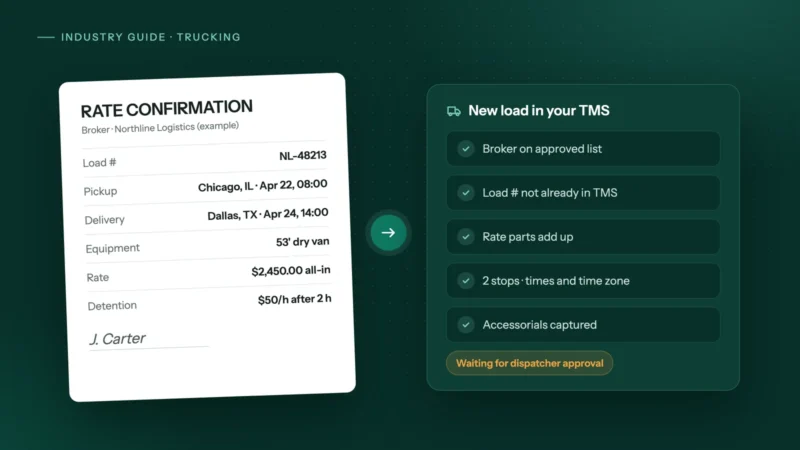 Trucking & logistics
How to automate rate confirmations into your TMS
Stop retyping broker rate cons into your TMS: fields to extract, checks to run, where people stay in the loop, and how to invoice the day it delivers.
 Dental & medical clinics
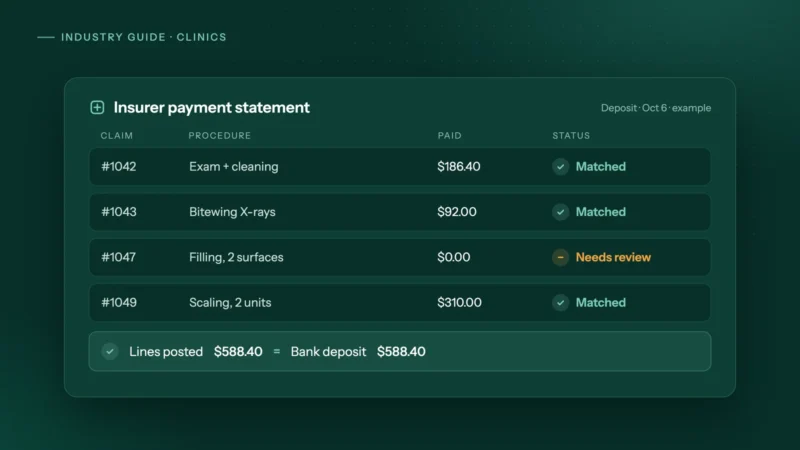
How clinics can automate insurance payment and remittance posting
How dental and allied health clinics can automate insurance payment and remittance posting safely: matching rules, a mismatch table and privacy tips.
 Insurance & mortgage brokers
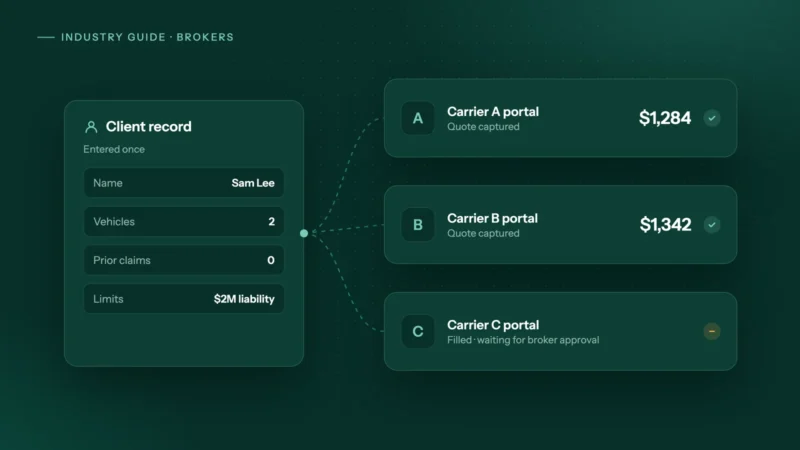
How to automate carrier portal quoting and stop retyping clients
Why brokers still retype clients into carrier portals, where comparative raters stop, and how to automate portal quotes safely with the broker approving.